Last updated: October 2026 · MizoIPTV support team · the number people get wrong most often
The short answer
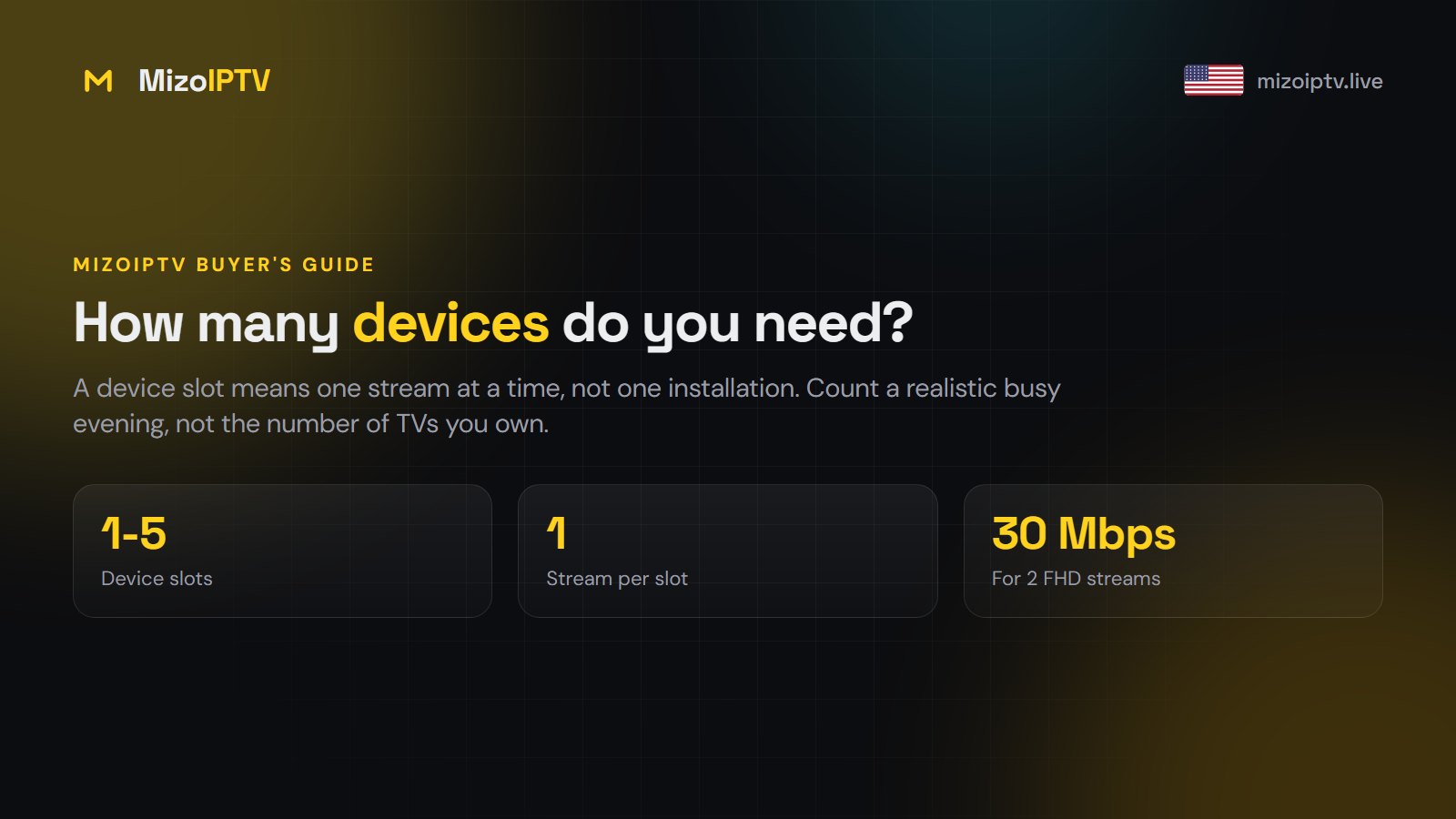
A “device” on an IPTV plan means one stream playing at the same time, not one installation. Install the app on every screen you own; what you pay for is how many of them can play simultaneously. Count a realistic busy evening, not the number of TVs in the house.
Clearing up the confusion
| People assume | Actually true |
|---|---|
| 1 device = 1 TV, registered to it | 1 device = 1 simultaneous stream, on any screen |
| I need one per TV in the house | Only per TV watching at the same moment |
| Installing on a 4th screen costs more | Installing is free and unlimited |
| I’m locked to the devices I set up first | You can move freely; nothing is registered |
| I can share with family in another house | Technically yes — but their viewing takes your stream, and it breaches the terms |
So a household with three TVs, two phones and a tablet, where at most two things play at once, needs two, not six.
Counting yours honestly
Picture a realistic busy evening — a weeknight around 8pm, or whenever your household’s sport is on. Count the screens playing simultaneously.
| Household | Devices |
|---|---|
| One person, or a couple who watch together | 1 |
| Couple who sometimes watch different things | 2 |
| Family with children watching separately | 3 |
| Larger family, or sport in two rooms at once | 4 |
| Big household or shared property | 5 |
The group that most often underestimates: parents who forget the teenager watching on a phone in their room. The group that overestimates: anyone counting TVs rather than simultaneous viewers.
What happens if you go over
One of two things, depending on configuration: the new stream is refused, or the oldest is dropped. In practice someone gets cut off mid-programme with nothing on screen explaining why.
This is the single most common “the service broke” report that turns out not to be a fault. Before reporting anything, check whether someone else just started watching — it sits near the top of the symptom table for that reason. Persistent heavy over-use, which usually means credentials shared outside the household, can get a line suspended.
The limit your internet imposes
Device count is a licensing limit. Your connection is a physical one, and they multiply.
| Simultaneous streams | Full HD needs | 4K needs |
|---|---|---|
| 1 | 15 Mbps | 25 Mbps |
| 2 | 30 Mbps | 50 Mbps |
| 3 | 45 Mbps | 75 Mbps |
| 4 | 60 Mbps | 100 Mbps |
| 5 | 75 Mbps | 125 Mbps |
That is before anyone opens a laptop or a console. There is no point buying five devices on a line that cannot carry three — you would be paying for concurrency your connection physically cannot deliver. Measure your real evening speed first; the speed guide explains how.
The arithmetic
The gap between one and two devices is small. The cost of getting it wrong is being cut off halfway through a match because someone put on a cooking programme. If your household genuinely watches two things at once even once a week, buy two.
Equally, do not buy five for a single viewer. Pricing scales with the device count, and paying for streams you never use is simply waste.
Changing it later
If you buy one and find you need two, message us — the device count on an active line can be raised and you pay the difference rather than starting over. Adding one is far easier than recovering an evening that was spoiled by not having it.
A note on travelling
Your subscription travels with the device, not the address, so a stick in a hotel room works the same as one at home. But remember it uses a slot: if the family are watching at home while you are away, that is two streams. Count it before you travel.
Providers with multi-device plans
If you need several screens, compare price per device with these providers too:
- DodoIPTV — multi-device plans for households with several TVs.
- Nexomir — one plan across Smart TVs, Fire TV sticks and phones.
- BugsTV — a French-language IPTV service for France, Belgium and Quebec.
Next steps
Count a realistic busy evening, check it against your measured evening speed, then pick the matching plan on the pricing page. If you have not tested the service yet, take a trial — and test it with the number of screens you actually intend to use.